 Emergency
PROFESSIONAL SERVICE
Ransomware Emergency Response
Urgent containment guidance, incident assessment and safe recovery planning after ransomware.
$500
VISAmastercard Crypto

Get practical help with malware removal, ransomware incident response, data recovery guidance, computer troubleshooting and cybersecurity learning — all in one place.
Service scope is confirmed before work begins. Recovery outcomes depend on the condition of the device and available backups.
Choose focused technical and cybersecurity assistance with transparent fixed pricing. Every service has its own detail page and order action.
High-priority business security, infrastructure hardening and emergency response.
EmergencyUrgent containment guidance, incident assessment and safe recovery planning after ransomware.
 Business
Prioritize business cyber risks across people, devices, access, data and recovery.
 Business
Strengthen Microsoft 365 identity, MFA, sharing and administrative security settings.
 Business
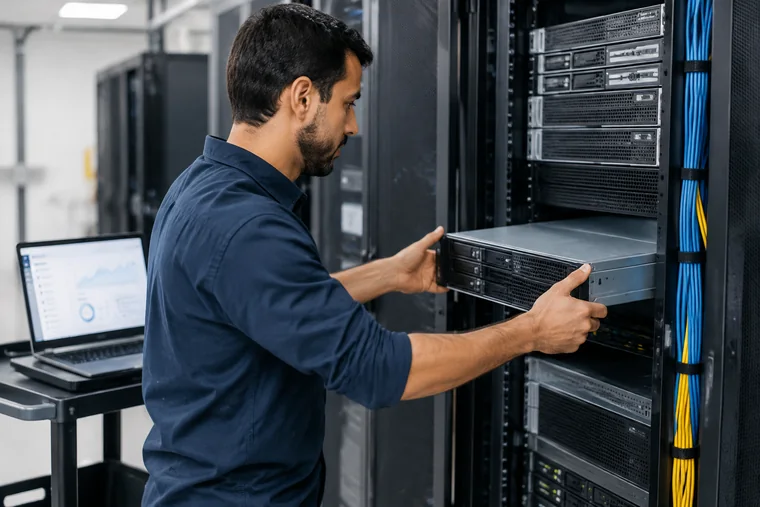
Design a recoverable business backup approach with restore priorities and testing guidance.
 Business
Assess suspicious website behavior and plan supported cleanup and hardening actions.
 Business
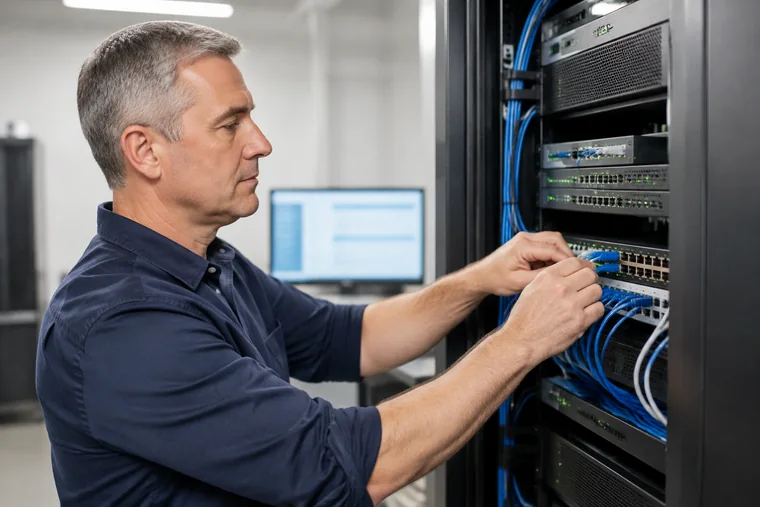
Plan safer network segmentation, firewall rules and administrative access.
 Business
A scoped review of common web exposure points with prioritized remediation guidance.
 Business
Review supported server controls, access, patching, logging and recovery readiness.
 Business
Review cloud identity, permissions, storage sharing and baseline configuration.
 Business
Plan and guide a consistent endpoint-security rollout for a small organization.
 Business
Review identity structure, privileged access, group policy and common Active Directory risks.
 Business
Review core infrastructure dependencies, access, patching, backups and operational risk.
 Business
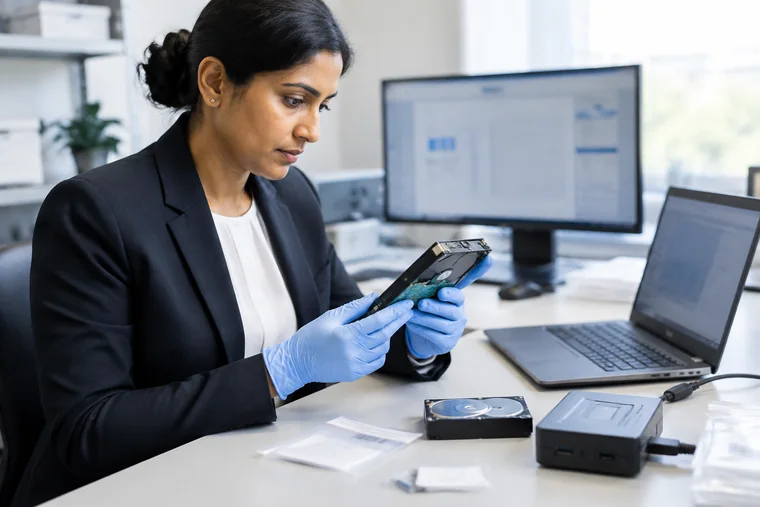
Initial scoping for potential digital-forensics needs, evidence handling and next steps.
 Emergency
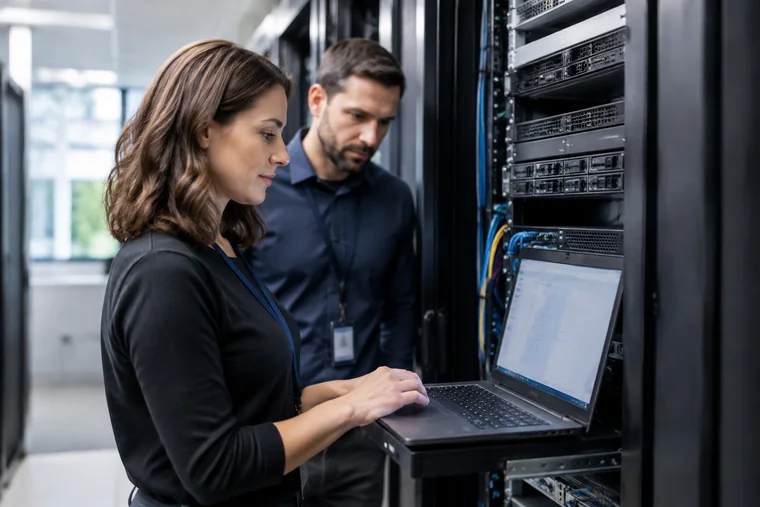
Time-sensitive coordination for a business disruption involving systems, access or data.
Focused protection for websites, email, accounts and incident readiness.
 Business
Review business email controls, authentication, phishing defenses and account protection.
 Business
Build a practical incident-response plan with roles, contacts, evidence and recovery priorities.
 Business
Deliver practical awareness guidance focused on phishing recognition and safer workflows.
 Business
A focused audit of website security controls, exposure and maintenance priorities.

Investigate signs of account compromise and document safer containment and recovery steps.
Practical help for malware, Windows, data recovery, accounts and home technology.

Remote diagnosis and supported cleanup for common malware, unwanted programs and browser threats.

Extended investigation of persistent malware symptoms, suspicious startup activity and repeat infections.

A practical review of backups, access controls and recovery readiness before an incident.

Specialist assessment for threats that persist after ordinary cleanup or return after reboot.

Safe, reversible tuning for startup, storage, updates and everyday Windows performance.

Structured help with system errors, update failures, crashes, drivers and Windows instability.

Clean up unwanted redirects, extensions, pop-ups and abused browser permissions.

Assess a data-loss situation and identify the safest next step before recovery attempts.

Step-by-step assistance for supported logical recovery cases on healthy storage devices.
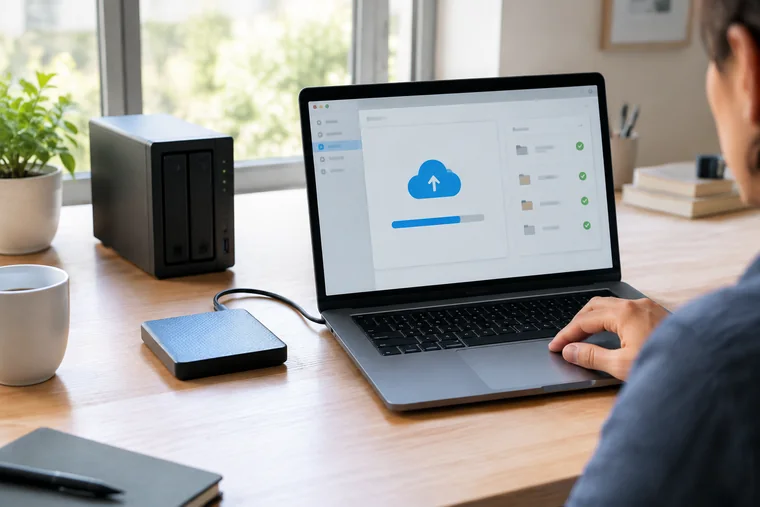
Set up a practical backup routine and verify a sample restore process.

Guidance through official recovery processes for an email account you own.

Resolve supported installation, update and configuration issues for legitimate software.

Assess damaged documents, photos or videos and recommend safe supported repair options.

Plan and guide a safe transfer of files and selected settings to a replacement computer.

Review device settings, account hygiene, browsing habits and everyday exposure.
 Business
Review endpoint protection, patching, user access and backup practices for a small team.
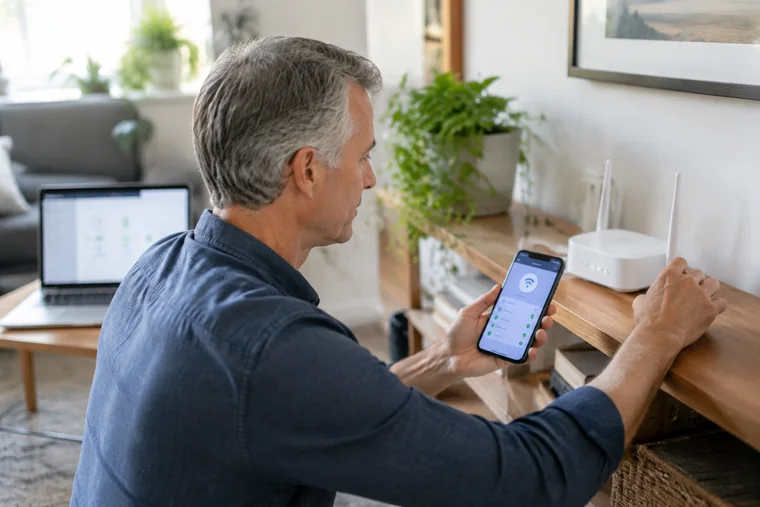
Improve router and home Wi-Fi security using supported settings and owner access.
Explore course outlines in troubleshooting, recovery and cybersecurity.
 Course
A practical self-study course covering common Windows faults and structured troubleshooting.
Course materials must be authored and uploaded before sale. Contact support to confirm availability.
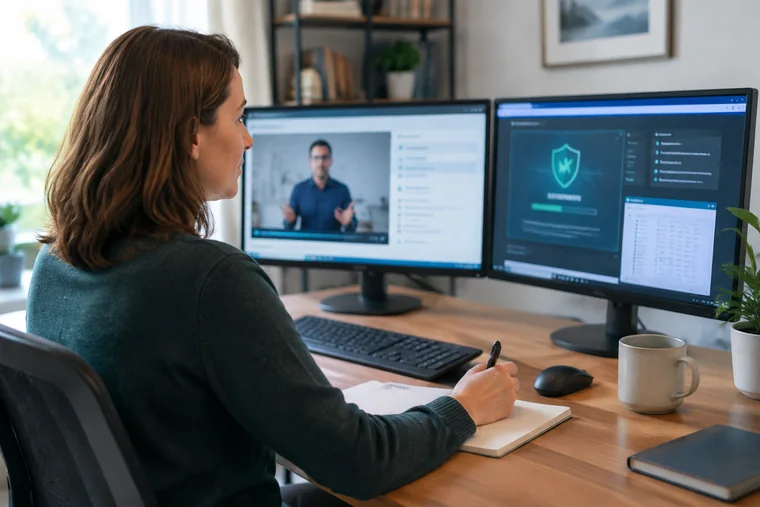 Course
Learn defensive malware concepts, safe triage and cleanup fundamentals.
 Course
Understand ransomware readiness, backup strategy and incident-response priorities.
 Course
Build safer habits for devices, passwords, updates, browsing and backups.
 Course
Learn logical data-loss concepts, safe handling and recovery decision-making.
 Course
Prepare a small organization to coordinate a practical response to cyber incidents.
If files have been encrypted, focus first on containing the incident and protecting backups. Our emergency response package starts at $500 and covers initial assessment, containment guidance and a recovery plan.

Contact our support team with a short description of the issue. Never send passwords, card details, recovery codes or private keys.
support@crackshelp.comFind focused support for migration, maintenance, infrastructure and access.
Quick answers about how we work.
We provide remote technical support (malware removal, Windows repair, data recovery assessment, backup and network setup), online courses on troubleshooting and cybersecurity, and practical professional services for individuals and small businesses.
Bank cards (through an approved card processor's hosted checkout) and cryptocurrency. We never ask you to email card numbers, CVV codes, seed phrases or private keys.
No honest provider can. Data recovery and ransomware work depend on the condition of the device and the type of damage or encryption. You pay for a defined assessment, response or guidance service, and we explain realistic outcomes before any work begins.
Yes, where eligible. Cancellations before work begins are reviewed for a refund, and later requests are assessed against the work delivered. See our Refund Policy and Returns & Cancellations page.
Reliable technical support and cybersecurity services for individuals and businesses.
Essential technical support and basic cybersecurity maintenance for individuals and personal devices.
$150/ month
Monthly plan · USD
What's included
Manual monthly renewal. This site does not set up automatic renewal. To renew, contact support and make a new payment each month. Check the payment provider’s checkout terms before paying.
Practical IT maintenance and security support for small businesses and professional teams.
$300/ month
Monthly plan · USD
What's included
Manual monthly renewal. This site does not set up automatic renewal. To renew, contact support and make a new payment each month. Check the payment provider’s checkout terms before paying.
Advanced IT and cybersecurity maintenance for businesses requiring broader technical support.
$500/ month
Monthly plan · USD
What's included
Manual monthly renewal. This site does not set up automatic renewal. To renew, contact support and make a new payment each month. Check the payment provider’s checkout terms before paying.
Remote support session allowances in a higher tier replace, rather than add to, those in the preceding tier. Device limits apply as listed. Contact support to confirm scope before work begins.
15 original articles on IT support, cloud, websites and cybersecurity.
Good support starts before a technician touches a device. A clear request narrows the problem and helps everyone agree on what successful assistance looks like.
Read articleMaintenance is most useful as a repeatable routine, not an occasional collection of aggressive cleanup tools. Focus on updates, backups and observable behavior.
Read articleA technically successful email migration can still fail users if nobody explains what changes. Communication and acceptance checks deserve the same attention as data transfer.
Read article25 complete guides to troubleshooting and managing everyday technology.
A slow computer is a symptom, not a diagnosis. Storage pressure, background software, updates and failing hardware can look alike. Work from observations before changing settings.
Read guideFailed updates can result from limited disk space, connectivity problems, a pending restart or incompatible drivers. Capture the exact error before attempting a repair.
Read guideRecurring crashes need a timeline. A stop code, a recent driver change and the application running at the time are more useful than a vague description that the computer is broken.
Read guideUseful resources for every stage of your technology journey.
Step-by-step guidance for Windows, email, websites and everyday business technology.
Explore the Help CenterUnderstand scope confirmation, the existing payment process and manual order review.
See how it worksUnderstand data handling, safer payments and the policies behind the service.
Visit the Trust CenterIllustrative sample feedback — not genuine customer testimonials.
“Clear explanations make technical decisions feel much more manageable.”
Sample feedback · Communication“A straightforward order process, with the service scope explained before work begins.”
Sample feedback · Ordering“Helpful guidance and a clear next step when a computer problem interrupts the day.”
Sample feedback · Technical assistance“Knowing what information to prepare makes asking for support easier.”
Sample feedback · Support process“Practical advice that focuses on the issue, without unnecessary complexity.”
Sample feedback · Practical guidanceFour complementary perspectives. One practical approach to technology.

A representative of our practical, people-first approach to Windows troubleshooting, remote assistance and everyday business IT.

Illustrates a methodical approach to cloud migration, business email and Microsoft 365 administration, with careful attention to access.

Represents thoughtful website maintenance and troubleshooting, helping turn complex WordPress and migration issues into clear next steps.

Illustrates a security-conscious approach to networks, VPN access, infrastructure protection and recoverable business backups.
Representative team profiles: these illustrative names, generated portraits and personas are not actual employees or claims of qualifications.